


 简体中文
简体中文 English
 русский
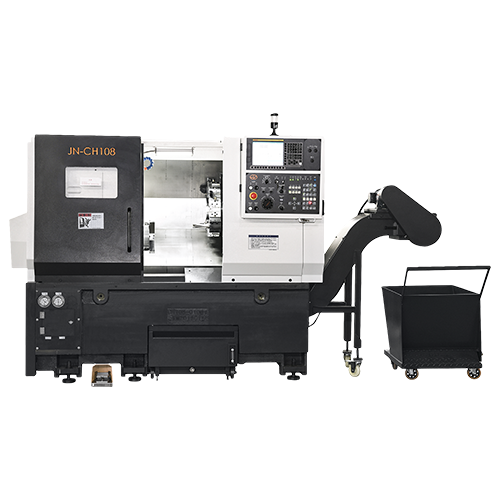
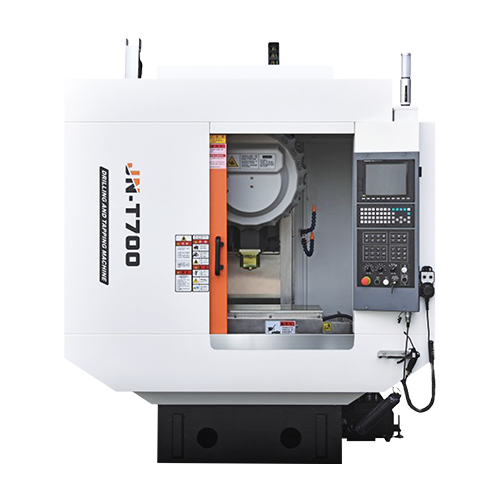
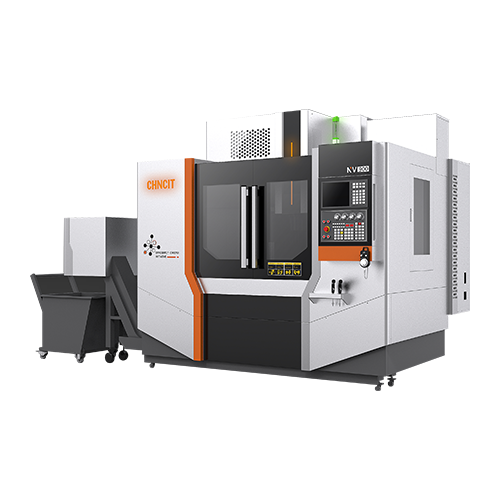
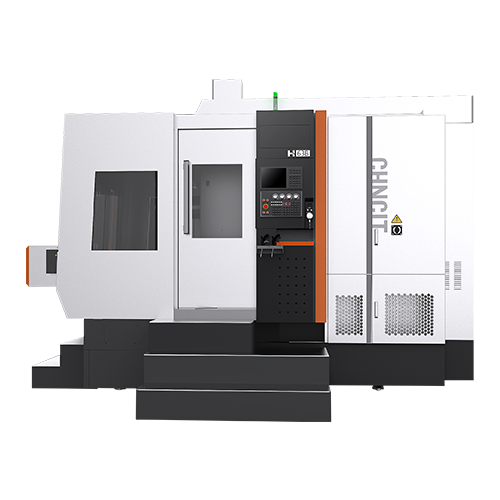
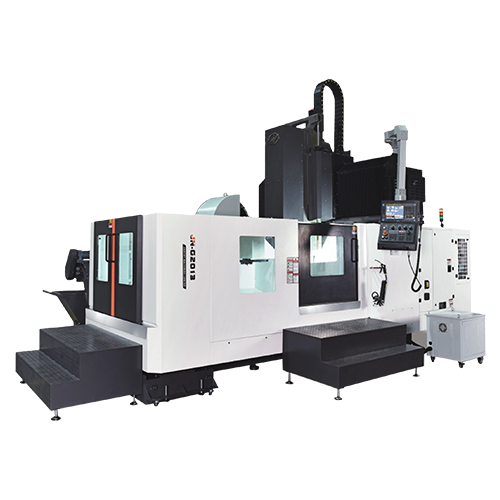
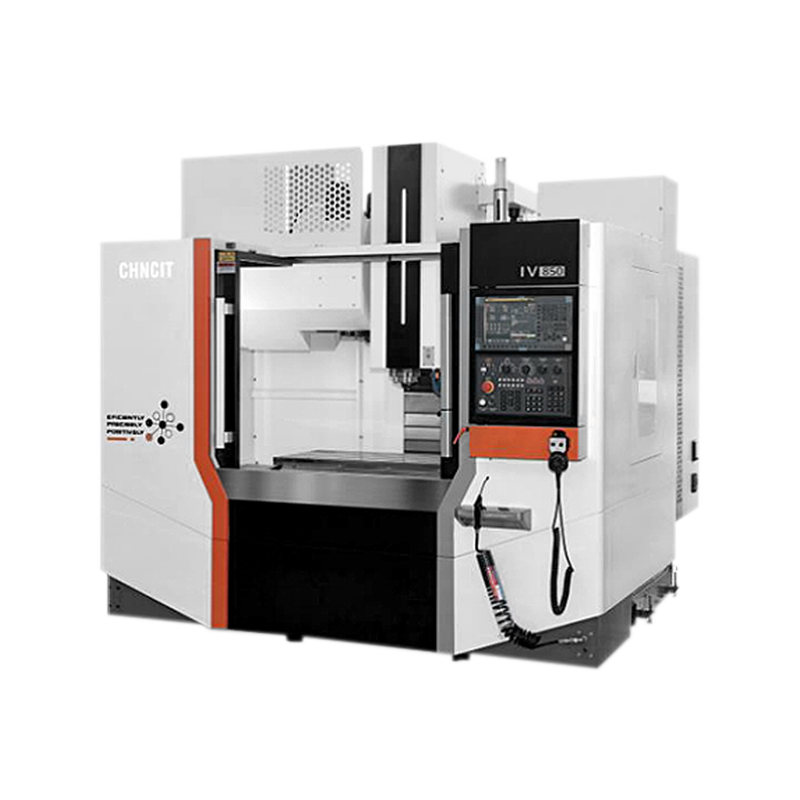
Machining flexibility for various operations like milling, drilling, and tapping;
High precision and efficiency;
Three system choices: Fanuc, mitsubishi, and siemens 828d, with standard original motors;
Belt or Direct type options available for specific product machining requirements.
VIEW MORE 

-
 WHATSAPP
 -
 INS
INS -
 WECHAT
CNC Lathe Factory Troubleshooting Queries Explained
Author: CHNCIT
Date: Jan 16, 2026
Setting up and operating a CNC Lathe Factory involves not just running machines but also diagnosing and resolving issues that arise during production. Whether the challenge occurs on a Metal Lathe Machine in a high-volume production line or a precision setup for custom parts, understanding how to troubleshoot common problems can save time, reduce scrap, and improve workflow efficiency.
1. Identifying the Symptoms of Machine Issues
Before solving any problem, it’s critical to first define what exactly is happening on the machine.
Noise and Vibration: Unusual noise, vibration, or chatter during cutting operations often indicates underlying mechanical or setup issues. These can originate from improper tool clamping, misaligned spindles, or worn bearings.
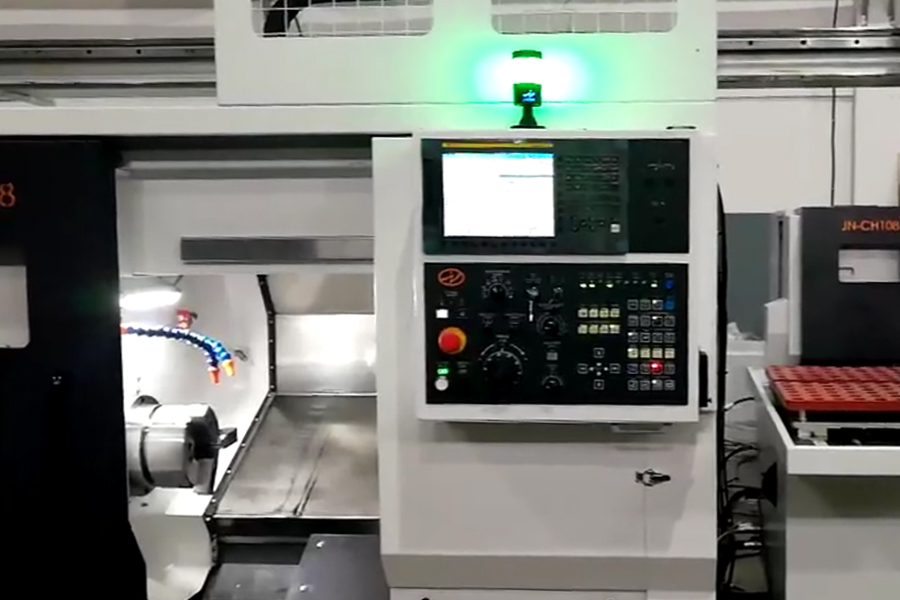
Error Codes and Alarms: Modern CNC lathe control systems will display alarms or error codes that provide clues. Recording these messages and consulting the machine’s manual helps pinpoint whether the issue is electrical, programming, or mechanical in nature.
Accurately interpreting symptoms prevents unnecessary adjustments and focuses efforts on the underlying cause rather than the visible outcome.
2. Tool and Cutting Issues
Tooling problems are some of the most frequently encountered issues on CNC lathes.
Tool Wear and Breakage: A dull or damaged cutting tool not only delivers poor surface finish but also increases cutting forces and vibration, which can accelerate wear on other machine components. Regular inspection and scheduled tool changes help avoid incidental breakdowns.
Insert and Tool Setup: When swapping tooling, even small differences in insert geometry or holders can affect cutting performance. Always re-measure tool length and radius offsets after a tool change, and confirm that tooling is installed and secured correctly in the turret.
Surface Finish Concerns: Issues like inconsistent surface finish can result from incorrect feed/speed settings, worn inserts, or unstable workholding. Adjusting speeds and feeds based on material properties and cutting conditions often improves finish quality.
Some troubleshooting questions relate directly to frequent tool questions, such as how to adjust when surface integrity declines or when tooling suddenly fails. Awareness and preventive measures reduce unplanned downtime.
3. Programming and Control Faults
A significant portion of troubleshooting queries in a CNC lathe environment revolve around programming and control logic issues.
Incorrect G-Code or Data Input: Machine programs that contain errors or incorrect coordinates can lead to crashes, part defects, or unexpected behavior. Verifying all program data before execution helps prevent these issues.
Simulation and Code Testing: Using simulation software to run the program virtually before machining reduces the chance of executing code that will damage tools or workpieces.
Parameter Adjustments: Some troubleshooting situations involve adjusting parameter entries in the CNC controller. While experienced technicians often handle these changes, proper documentation and careful verification are necessary to avoid introducing new errors.
Clear communication between programming and setup teams in the shop prevents errors from propagating into shop floor operations.
4. Mechanical and Electrical Causes
Many troubleshooting questions point to mechanical or electrical origins of machine problems. These require a systematic approach to isolate and correct.
Power Supply and Wiring Checks: Ensuring that the power supply matches the machine’s requirements, and checking wiring and connections for any looseness or damage, helps resolve random shutdowns or control failures.
Component Wear: Bearings, belts, and ball screws experience natural wear that manifests as abnormal noise or inaccuracies. Regularly scheduled inspections and maintenance help catch wear early.
Coolant System Problems: Overheating or coolant starvation can lead to poor machining performance. Inspecting pumps, hoses, and filters and using appropriate coolant types improves process stability.
At Jiangnan CNC Machine Tool Co., Ltd., robust mechanical design combined with regular maintenance guidance helps users reduce the frequency of such mechanical issues.
5. Establishing a Troubleshooting Workflow
While individual issues vary, an effective troubleshooting workflow follows similar steps:
Observe and Record: Note symptoms, error codes, and operating conditions before the issue appears.
Isolate the Variable: Change one parameter at a time to determine whether the issue relates to tooling, programming, or mechanical setup.
Verify Solutions: After adjustments or repairs, test the machine under controlled conditions to ensure the problem is resolved.
Document Findings: Track recurring problems and solutions in a maintenance log to accelerate future troubleshooting.

Copyright © Jiangnan CNC Machine Tool Co., Ltd.
